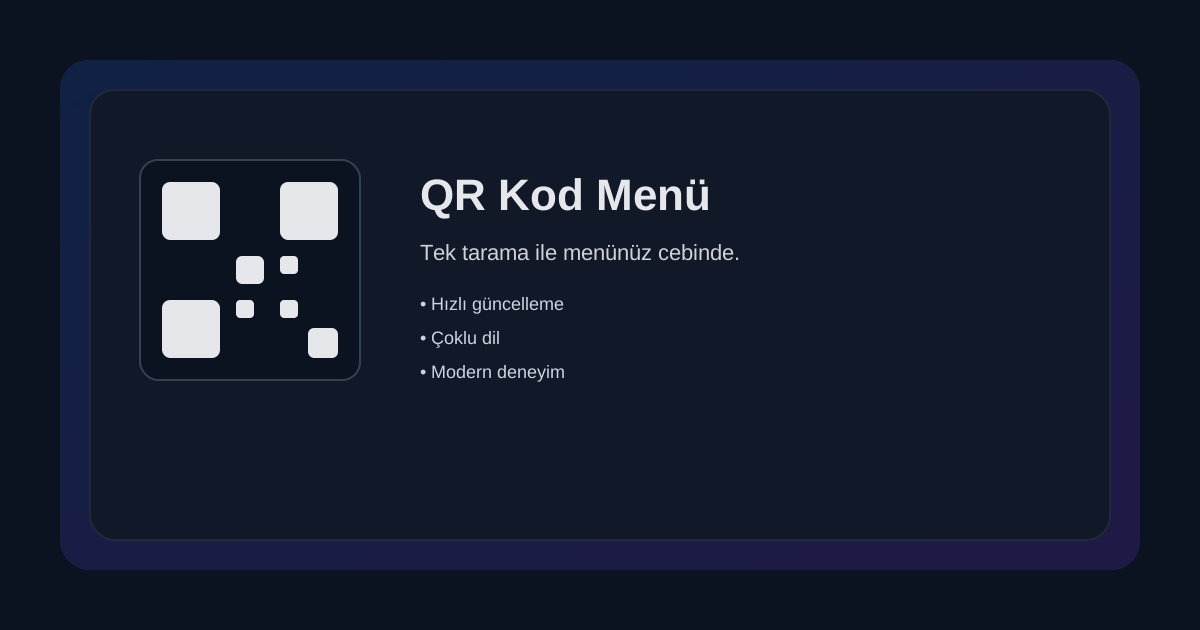
Point your phone camera at the small black-and-white square on the table and you instantly have the menu in your hands. This is the QR code menu system now found in countless cafés and restaurants. But how exactly does it work, and why has it become so popular?
What Is a QR Code?
A QR (Quick Response) code is a two-dimensional barcode made up of black-and-white squares arranged in a grid. Originally developed in Japan in 1994 to track automobile parts, the technology is now used in dozens of applications — from menus and payments to tickets and retail shelves.
Unlike standard barcodes, a QR code can store a URL, text, contact information, and more in a single image. Any modern smartphone camera can read a QR code directly — no additional app needed.
How Does a QR Menu Work?
- The venue generates a QR code (unique per table or shared) and prints or displays it on the table.
- The customer points their phone camera at the code and taps the link that appears.
- The menu opens instantly on their phone — no download, no registration, no waiting.
- They browse, add items to the cart, and place the order directly.
Benefits of QR Menus
For Businesses
- Zero printing costs: Update prices or items instantly with no reprinting.
- Hygiene: Eliminates shared physical menus.
- Faster service: Staff can focus on delivering food rather than taking orders.
- Analytics: Track which items get the most views and when orders peak.
For Customers
- Instant access: No waiting for a server to bring the menu.
- Photo details: See what you're ordering before you decide.
- Multi-language support: The same menu in multiple languages.
- Order history: Remember what you had last time.
QR Menu vs. Traditional Menu
A printed or tablet menu requires physical production and maintenance. A QR menu is just a web address — it works on every device, updates in real time, and never wears out or gets lost. Staff no longer need to carry, clean, or replace menus.
Is It Secure?
Yes. QR menu systems don't store personal data. They're used only to display the menu and take orders. Any payment goes through secure payment infrastructure. At Menulu.com, we take security seriously: orders are verified at the table, data is encrypted, and no payment information is stored in our systems.
How Do I Get Started?
If you're a business owner, sign up at Menulu.com and create your own QR menu in minutes. Add your products, prices, and photos — the system automatically generates QR codes for each table. Your customers can start using it the same day.